Online communication security has become fundamental. Digital threats are increasing, and protecting personal data has never been more essential. Setting up your email account with a secure service is a step not to be overlooked to ensure the confidentiality of your exchanges.
To begin, you need to choose a reputable email provider known for its security, such as ProtonMail or Tutanota. Enable two-factor authentication to add an extra layer of protection. Configure the email encryption options to secure your messages against any unauthorized interception.
Choosing a Secure Email Service
The choice of email provider is crucial for the security of your communications. Several services offer high levels of protection through end-to-end encryption. Among them, ProtonMail, Tutanota, Ghostmail, and Mega stand out for their commitment to user privacy.
Criteria for Selecting a Secure Email Service
- End-to-end encryption: ensures that only the sender and recipient can read the content of the messages.
- Multi-factor authentication (MFA): adds a layer of security by requiring additional verification when logging in.
- No data retention policy: ensures that the provider does not store your emails or metadata.
Encrypted Email Services
Encrypted email services like ProtonMail and Tutanota offer additional security but may require the recipient to use the same service. These platforms allow for the secure sending of encrypted emails, which is essential for transmitting sensitive data.
Temporary Email Services
For those who need to provide a temporary email address, using a temporary email service can be wise. These services allow you to create ephemeral email addresses, useful for one-time registrations or to avoid spam.
Setting Up Your Akeonet Account
For those who choose to set up their email account via the Akeonet portal, it is recommended to follow the specific instructions provided by M Technologie. This portal ensures a secure and optimized setup for your privacy needs.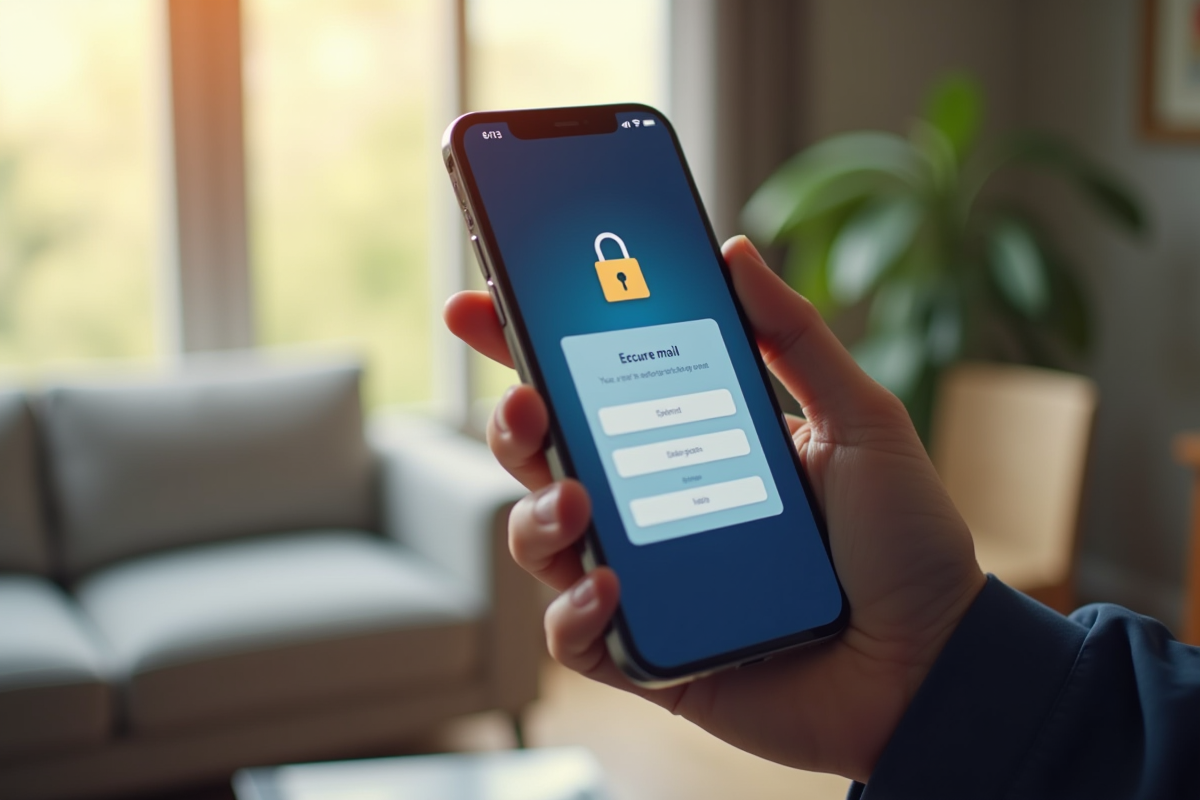
Setting Up and Securing Your Email Account
Security Settings
To secure your email account, start with a unique and hard-to-guess password. Use a password manager to create and store complex passwords. Enable two-step verification to add an extra layer of security. This method sends a code to a secondary email or mobile number, thus reducing risks related to cyberattacks.
Multi-factor Authentication (MFA)
Multi-factor authentication is essential for protecting your Gmail account and other email accounts. Use tools like Google Authenticator or Google Prompts to generate TOTP codes or send security notifications. MFA can include:
- Security key: a physical device for additional verification.
- TOTP code: a temporary code generated by an app.
- Backup code: predefined codes to use in case you lose access to your primary device.
Phishing Prevention
Phishing remains a major threat. Be wary of unsolicited emails asking for personal information. Never click on suspicious links and always check the sender’s address. Use a secure web browser and avoid saving your passwords on shared devices.
Security Notifications
Enable security notifications to be alerted of any suspicious events on your account. These notifications allow you to respond quickly in case of an intrusion attempt. Regularly monitor your account activity for any anomalies.
Device Usage
Access your email account via secure devices. Avoid using public computers and ensure that your personal device is protected by up-to-date antivirus software. Do not share your device with third parties to maintain the confidentiality of your emails.
Find more information on the Akeonet portal for a secure and optimized setup for your privacy needs.